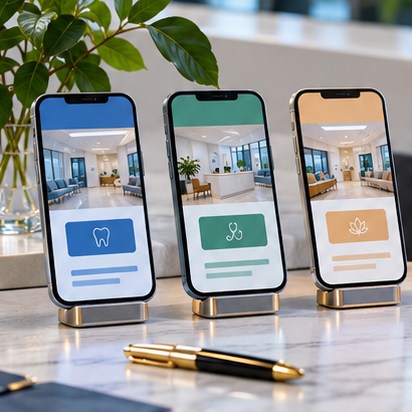
The essential answer
A dental website becomes genuinely useful when patients can evaluate a treatment, understand logistics and take a safe next step without calling simply to find basic information.
Key takeaways
- 01Give distinct treatments separate pages when there is meaningful information to explain.
- 02Put provider credentials, accepted plans and new-patient preparation near the decision.
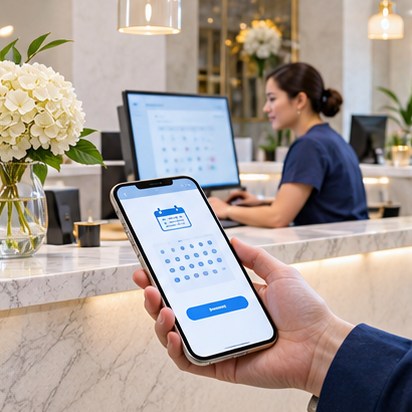
- 03Never imply online requests are confirmed appointments when they are not.
- 04Use genuine local context rather than duplicated city pages.
SECTION 01
Start with five dental patient questions
A new patient commonly asks whether the dentist can help, whether the dentist is a good fit, whether the office takes insurance, what a visit will involve, and how to book. Navigation should make these answers reachable in one or two obvious steps. A service list alone does not solve uncertainty.
For emergency dental searches, urgency is real. Pages should display verified availability and a call route, but avoid diagnosing severity or promising same-day appointments unless the office can consistently deliver. For cosmetic dentistry, patients may need a longer research path and a consultation call rather than instant booking.
SECTION 02
A realistic sitemap for an independent practice
Think in content families. Core pages establish the practice and staff; treatment pages answer procedure-specific questions; patient resources explain logistics; location/contact pages close the loop. One page can serve multiple questions without artificially inflating page count.
A 20–30 page English site might cover Home, About, Doctors, eight to twelve treatments, New Patients, Insurance, Financing, Patient Forms, Frequently Asked Questions, Reviews policy, Contact and a few substantial resources. Translate only after the source content is approved.
- Preventive: exams, cleanings, periodontal care
- Restorative: crowns, bridges, fillings, implants
- Aesthetic and orthodontic: veneers, aligners, whitening where offered
- Patient logistics: forms, insurance, financing, accessibility, location
- Provider profile: licensure and credentials checked by practice
SECTION 03
Give each procedure page a meaningful structure
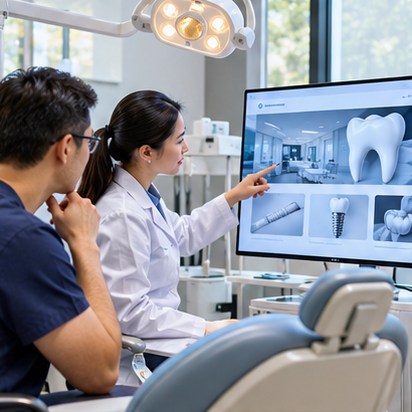
A treatment page should describe the service in plain language, typical reasons a patient might discuss it, questions for the dentist, practical next steps, and what the practice can honestly say about the visit. Avoid generic medical promises and unsupported claims that a procedure is painless or always appropriate.
FAQ content is useful when it reflects real questions: “Do I need a consultation?”, “What should I bring?”, “Does the office provide an estimate?” or “Who can explain insurance benefits?” Avoid drafting answers about treatment candidacy without professional review.
Field checklist
- Service summary understandable to a new patient
- Named team or location where verified
- Approved treatment detail and limitations
- Realistic insurance/payment language
- Relevant FAQ and next-step CTA
SECTION 04
Treat insurance as a maintained database of facts
Insurance participation changes. The website should be explicit about in-network versus accepted-as-out-of-network arrangements when relevant, and should encourage verification of individual benefits. Avoid promising coverage or final out-of-pocket fees without the information necessary to make that determination.
Assign staff ownership to the insurance page and update it when plans change. Patient forms should be accessible downloadable documents or approved intake tools, not anonymous uploads to a general marketing server.
SECTION 05
Westminster, Orange County and other local markets
A bilingual dental site in a community with many Vietnamese-speaking patients can make practical tasks easier, but language value is more than a toggle. Translate the insurance explanation, contact information, new-patient workflow, forms instructions and treatment questions consistently. Route translated pages to the same approved scheduling system.
Use location-specific facts that the practice can verify: real address, parking, spoken languages, transit, hours and local context. Avoid spawning interchangeable pages for every nearby city.
SECTION 06
Launch review with staff and a new patient
Ask a front-desk employee to confirm every phone number, insurance note and booking link. Then invite someone unfamiliar with the office to find a dentist, understand a treatment, locate forms and book. Observe where they hesitate. That test gives more useful design evidence than simply counting pages or placing more buttons.
Sources & further reading
External sources support the attributed statements above. Links may change; always check their current wording and effective date.